Activate your account
Sign up for Alphio with email and password, or with a social login.
Find it at: alphio.ai or the Alphio mobile app
1. How to register
-
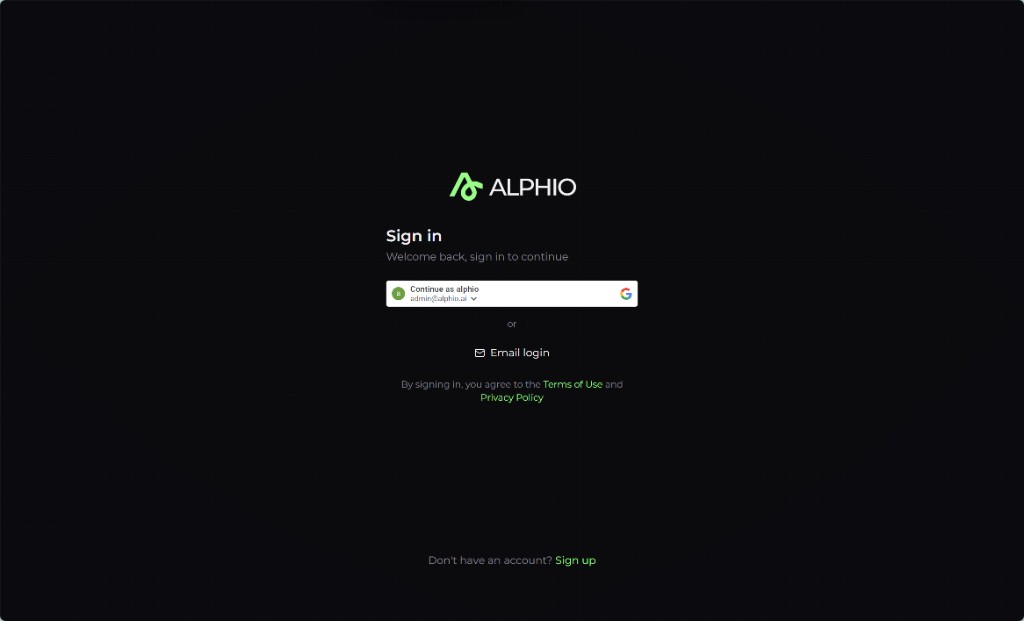
Visit alphio.ai or download the app. Go to alphio.ai in your browser, or install the Alphio iOS / Android app from the App Store or Google Play.
-
Choose a registration method. The available methods depend on where you sign up:
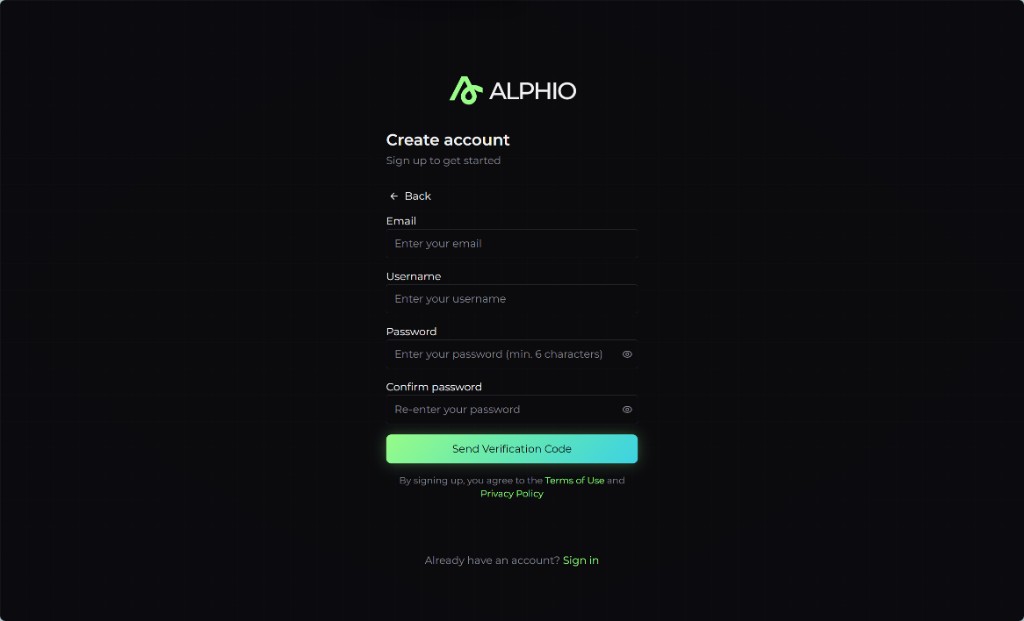
Method Web iOS app Android app Email + password ✅ ✅ ✅ Google ✅ ✅ ✅ Apple ❌ ✅ ❌ - Email + password — enter your email and a password. Alphio emails you a 6-digit verification code; enter it to finish creating the account. This is the only method that uses a verification code.
- Google — sign in with your Google account. Alphio creates your account using the email returned by Google.
- Apple — available in the iOS app only. There is no Apple sign-in button on the web or in the Android app.
-
Start using Alphio. Social logins arrive already verified, so there is no extra confirmation step. Your display name defaults to the username you signed up with — you can change it, and add a profile photo, later in Settings. New accounts receive a one-time 400 Credits Free allowance, so you can open Alphio AI and start chatting right away. See Subscription and Credits.
2. Invite codes
An invite code is not required to sign up. Alphio is open — registration completes without one, and there is no waitlist gate, rollout gate, or region restriction on creating an account.
If you do have a code (from a friend's Referral link, or a partner or campaign email), you can enter it in the optional "Invite code" field on the web sign-up form. It is used purely for attribution — crediting whoever referred you. It does not unlock access or change what your account can do. The mobile app has no invite code field at all.
3. The waitlist
The waitlist form on alphio.ai records your interest and nothing more — it does not gate access and it does not issue invite codes. Joining it does not send you an access email.
To start using Alphio, just register directly with any method in section 1.
4. Troubleshooting
- Didn't receive the verification email? Check your spam folder. The sign-up screen runs a 60-second countdown before the resend button becomes available again. Your code stays valid for 10 minutes — after that, request a new one.
- Code expired? Codes last 10 minutes. Request a fresh one from the sign-up screen and enter it promptly.
- Google or Apple sign-in fails? Fall back to email + password signup. Remember that Apple sign-in exists only in the iOS app — on the web and on Android, use Google or email.
This page is available as plain Markdown at https://alphio.ai/docs/get-started/activate-your-account.md. An index of every page, with a one-line summary each, is at https://alphio.ai/docs/llms.txt.