
Fragen
Beschreibe das Ziel in einfacher Sprache.
Fragen. Bauen. Analysieren. Automatisieren. Ausführen. KI direkt in deiner bevorzugten KI-Oberfläche – angetrieben von der Agent API von Alphio.

Beschreibe das Ziel in einfacher Sprache.

Der Agent ruft Tools auf und baut den Ablauf.

Prüfe Absicht und Kontrollpunkte.

Erst Paper, live wenn du bereit bist.
Alphio MCP hält den Agent auch unter realen Bedingungen nützlich.

Von der Frage zur Aktion – in einem einzigen Thread.

Sieh den Plan, bevor etwas live geht.

Nutze Prompts, statt Tools von Hand zusammenzustecken.

So gebaut, dass deine Daten privat bleiben – ohne Training auf Nutzerdaten und ohne Informationslecks.
Echtzeitkurse, News, Fundamentaldaten, On-Chain-Aktivität, alternative Daten und externe Strategien – strukturiert für den Agent.
 Aktien, ETFs, Krypto und Perps
 News, Events, Meldungen und Schätzungen
 Whale-Aktivität, Sentiment und Signale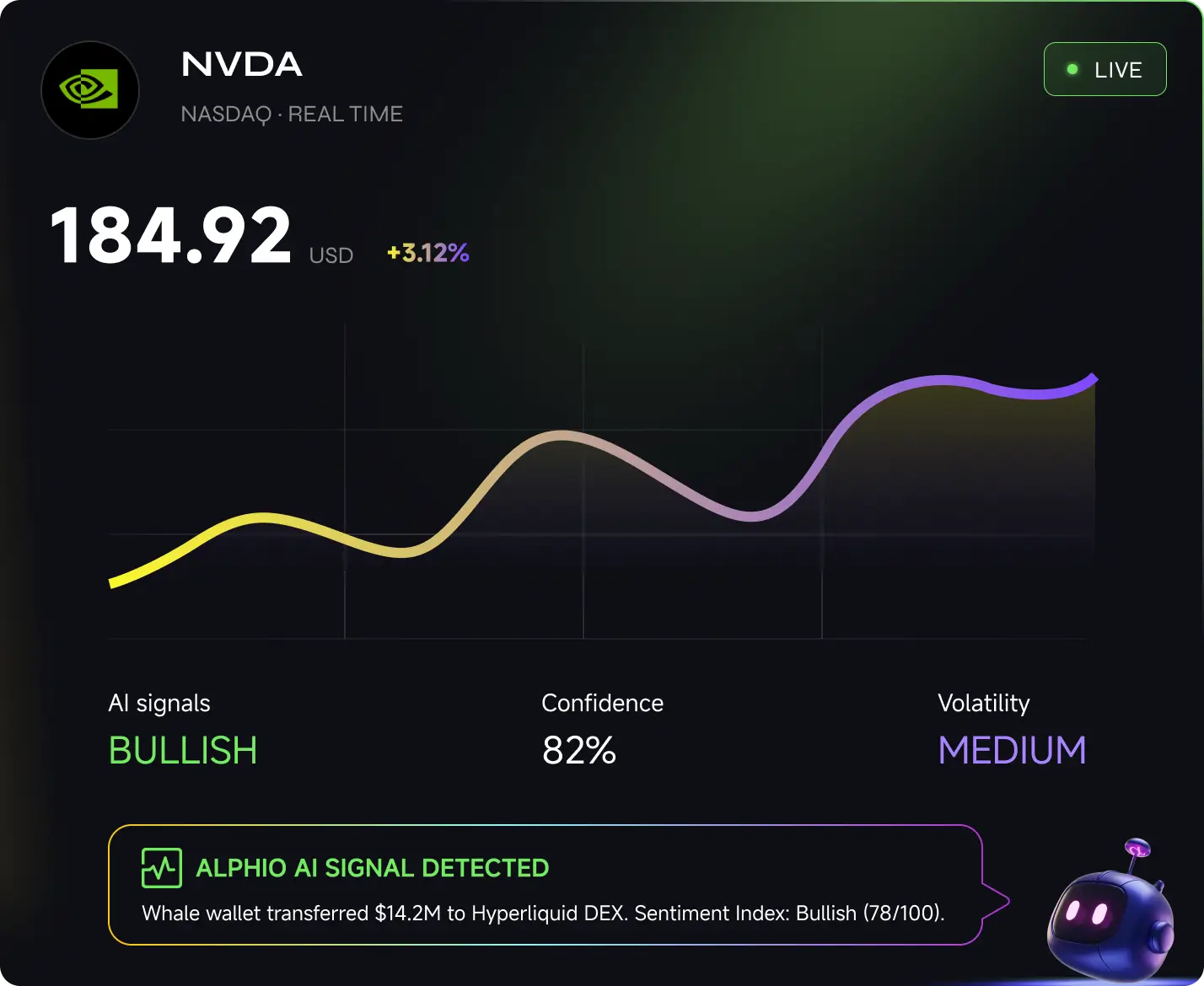
Alphio MCP funktioniert in den Oberflächen, die dein Team ohnehin bevorzugt.


Trade und hole Marktdaten direkt in Claude

Trade freihändig per Sprach- oder Textbefehl vom Handy

Platziere Orders und sieh dein Portfolio in ChatGPT

Wähle KI-Modelle und baue Trading-Algorithmen direkt in Cursor

Trade und baue Algos mit Copilot in VS Code

Programmiere, teste und trade Python-Strategien mit dem KI-Assistenten von PyCharm
Genug, um den Ablauf zu verstehen. Die vollständige Doku kann anderswo liegen.
 Erstelle einen API-Key.
 Lege Nutzer und Session an.
 Streame, prüfe und route den Workflow.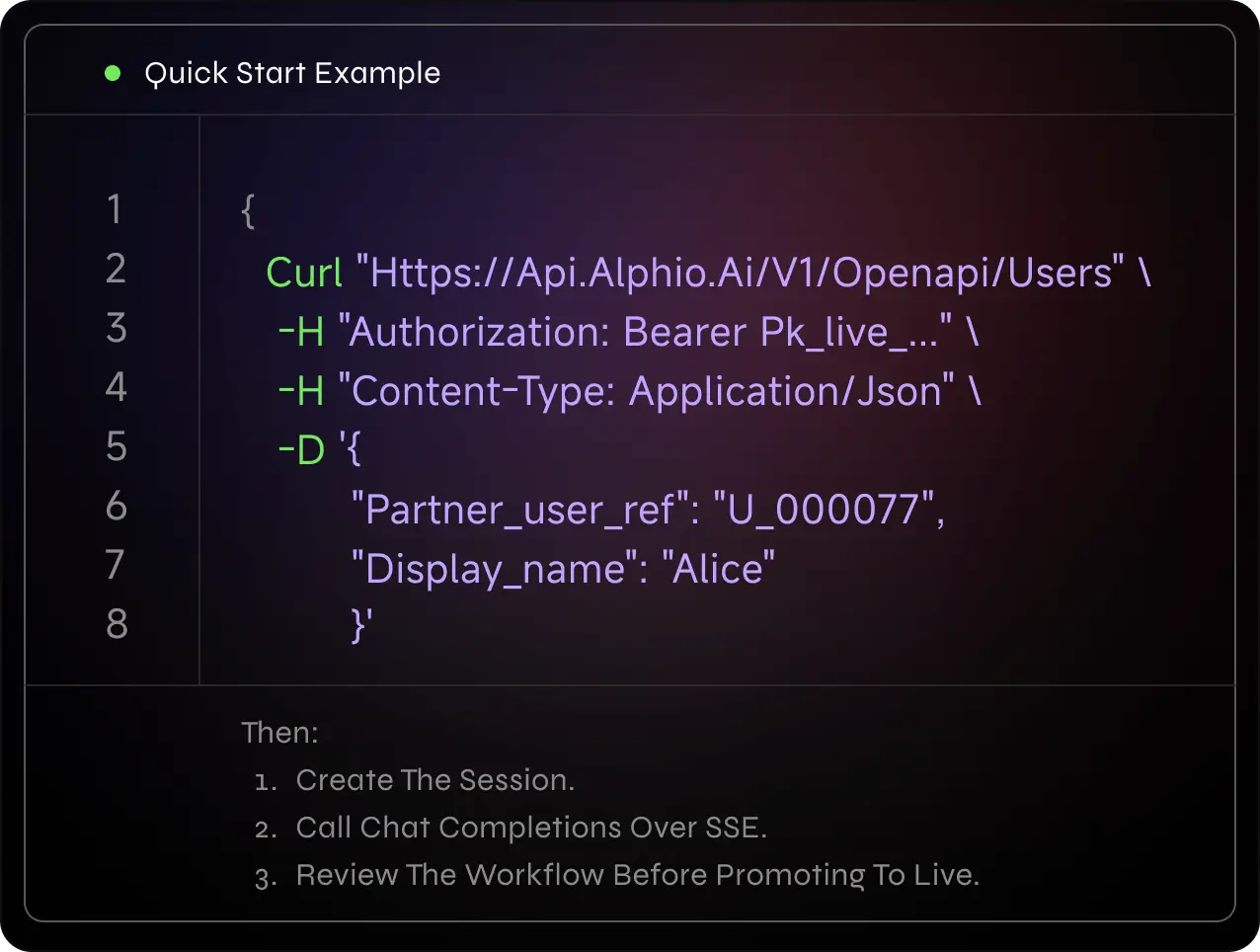
Die eigentliche Frage ist, ob der Agent sichtbar und steuerbar bleibt, wenn der Workflow ernst wird.
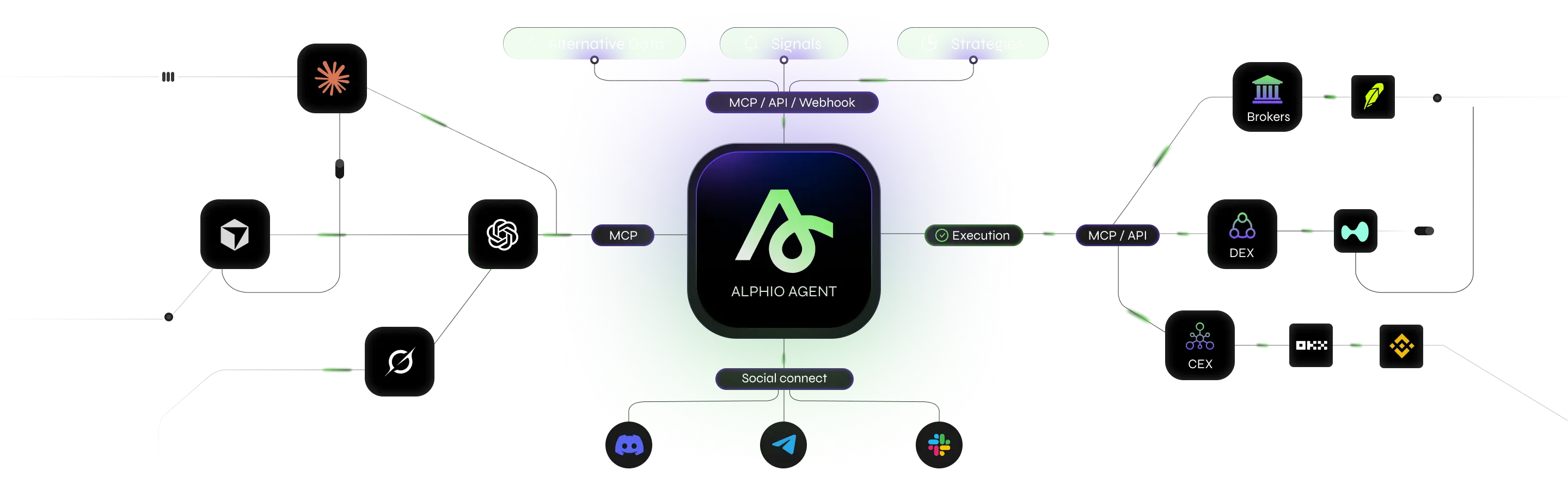
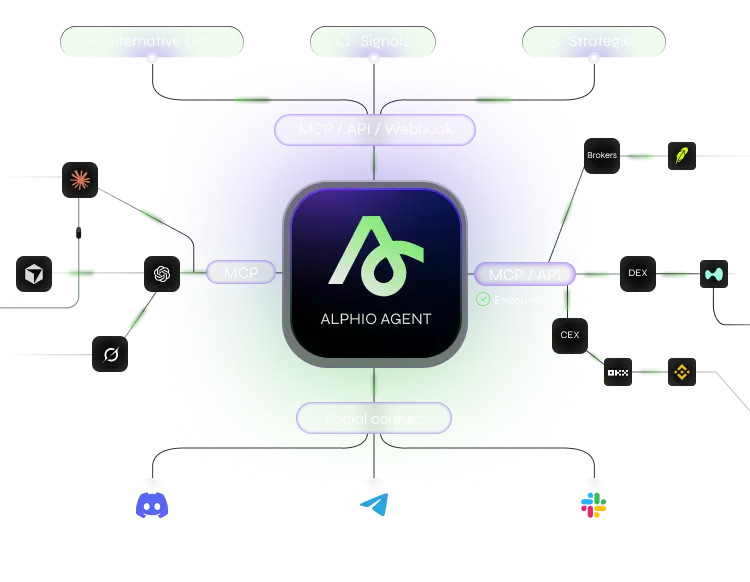
Alphio MCP ist ein Model-Context-Protocol-Server, der KI-Oberflächen mit den Marktdaten, Signalen und Ausführungs-Tools von Alphio verbindet, damit Agents in einem kontrollierten Ablauf recherchieren und handeln können.
Der Alphio Agent ruft MCP-Tools auf, um Daten zu holen, Strategien vorzuschlagen, Freigaben anzufordern und die Ausführung zu routen – jeder Schritt bleibt prüfbar, bevor etwas live geht.
Alphio MCP funktioniert mit Claude Desktop, Claude Mobile, ChatGPT, Cursor, Visual Studio Code, PyCharm und weiteren MCP-kompatiblen Clients.
Ja. Pläne und Kontrollpunkte bleiben sichtbar, sodass du Aktionen freigeben, anpassen oder stoppen kannst, bevor sie den echten Markt erreichen.
Ja. Starte im Paper-Modus, um den Workflow zu validieren, und schalte live, wenn du bereit bist.

Nutze MCP, um Research, Prüfung und Ausführung auf einer Oberfläche zu halten.
Loslegen